PROJECT
EXIA
©2026
  V-1.5.0
  MANGA
  ANIME
  TV
  FILM
Read manga. Watch anime, TV shows and movies.
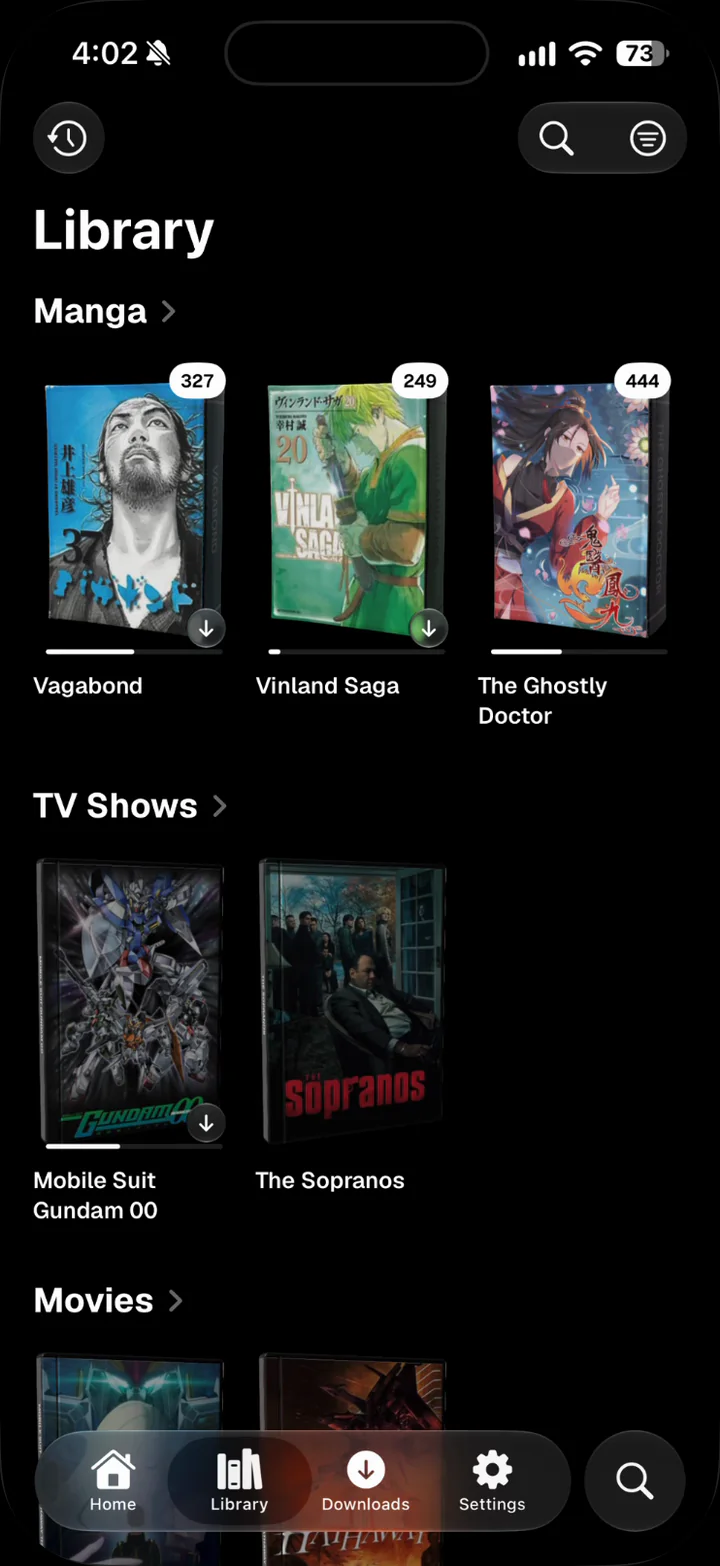
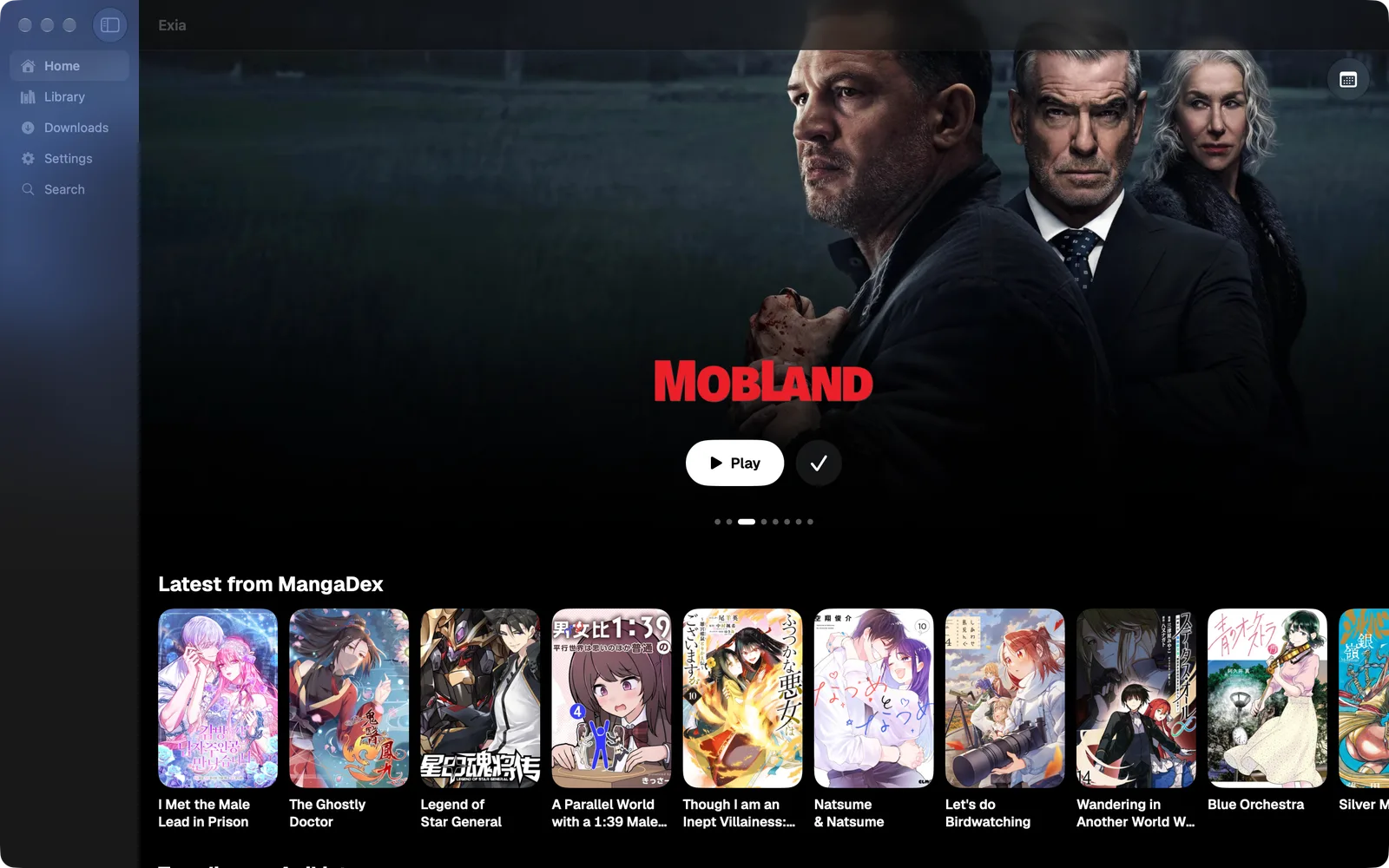
All your manga, anime, TV shows and movies in one place, on iPhone, iPad, Mac and Apple TV.
Free to download.
Lifetime unlock $9.99, paid once.
- Native
- Lightweight
- Offline first
- Synced
- Addon driven
- Tracked
- Customizable
- Private
Organize your library, customize your reader and player, and sync your progress across devices.
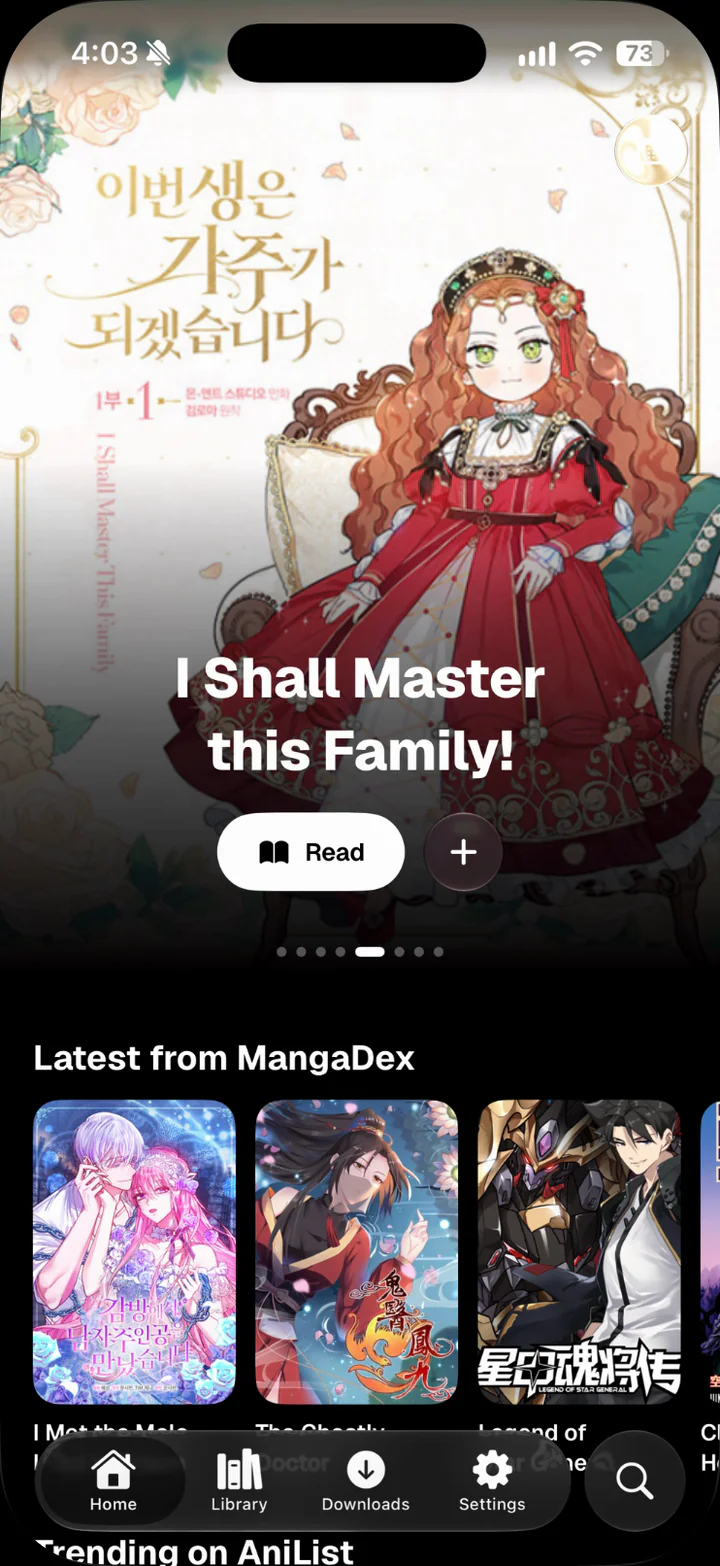
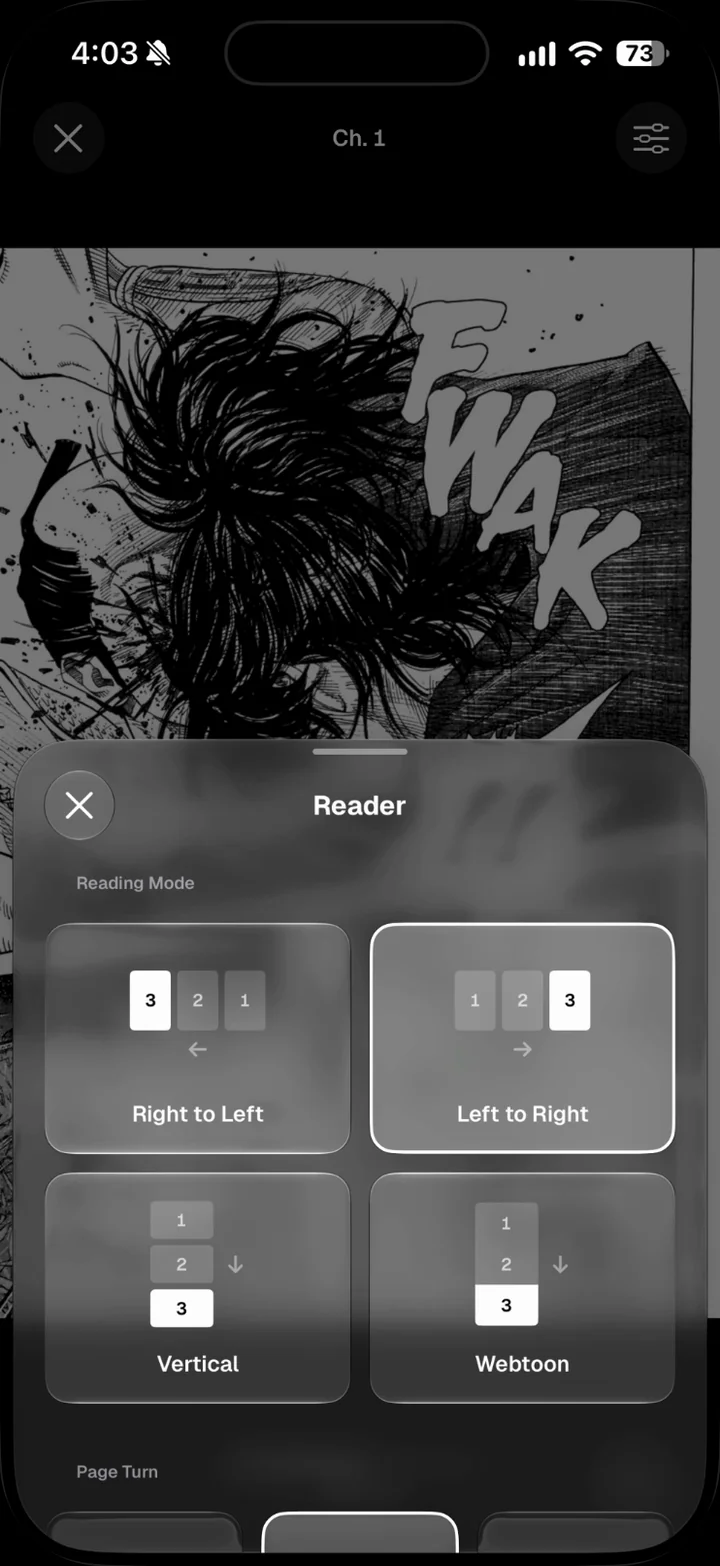
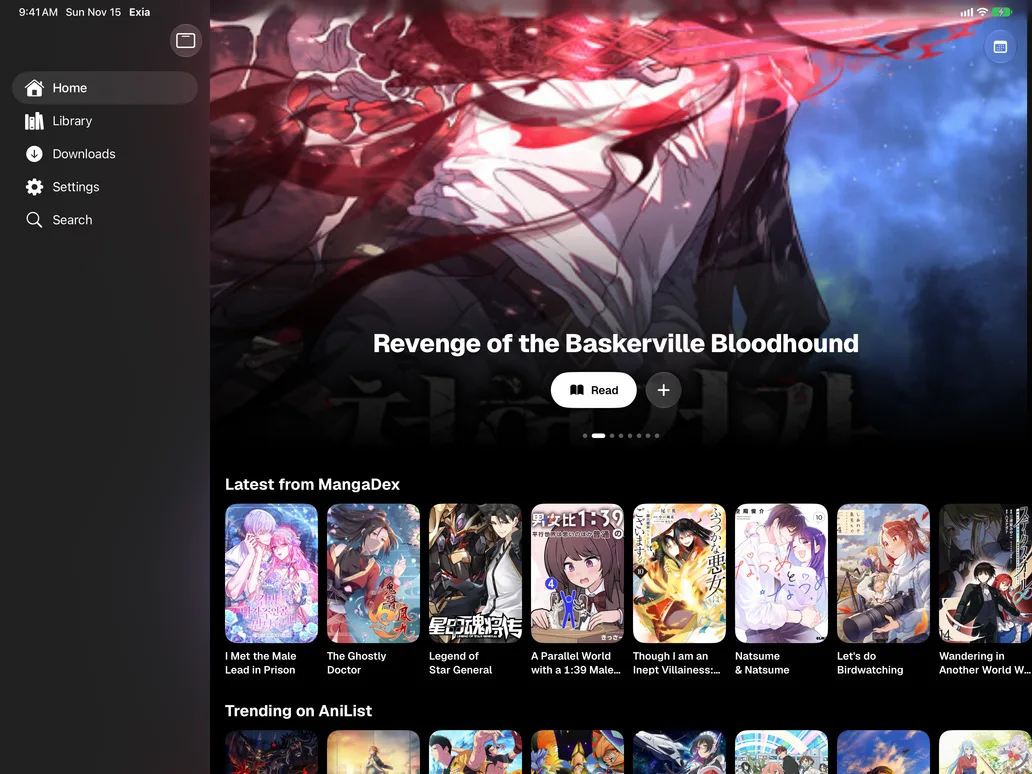
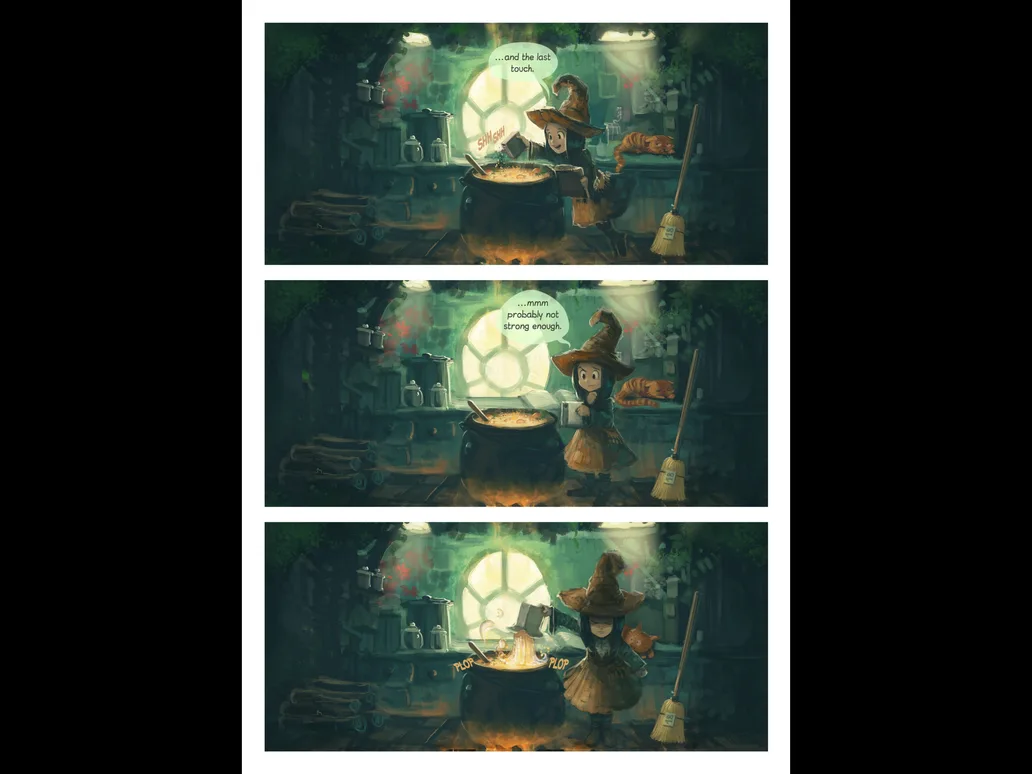
| Read | Manga | Vertical scroll and paged with page curl, two pages side by side on iPad in landscape. |
| Read | Sources | Aidoku and Paperback compatible repositories.
|
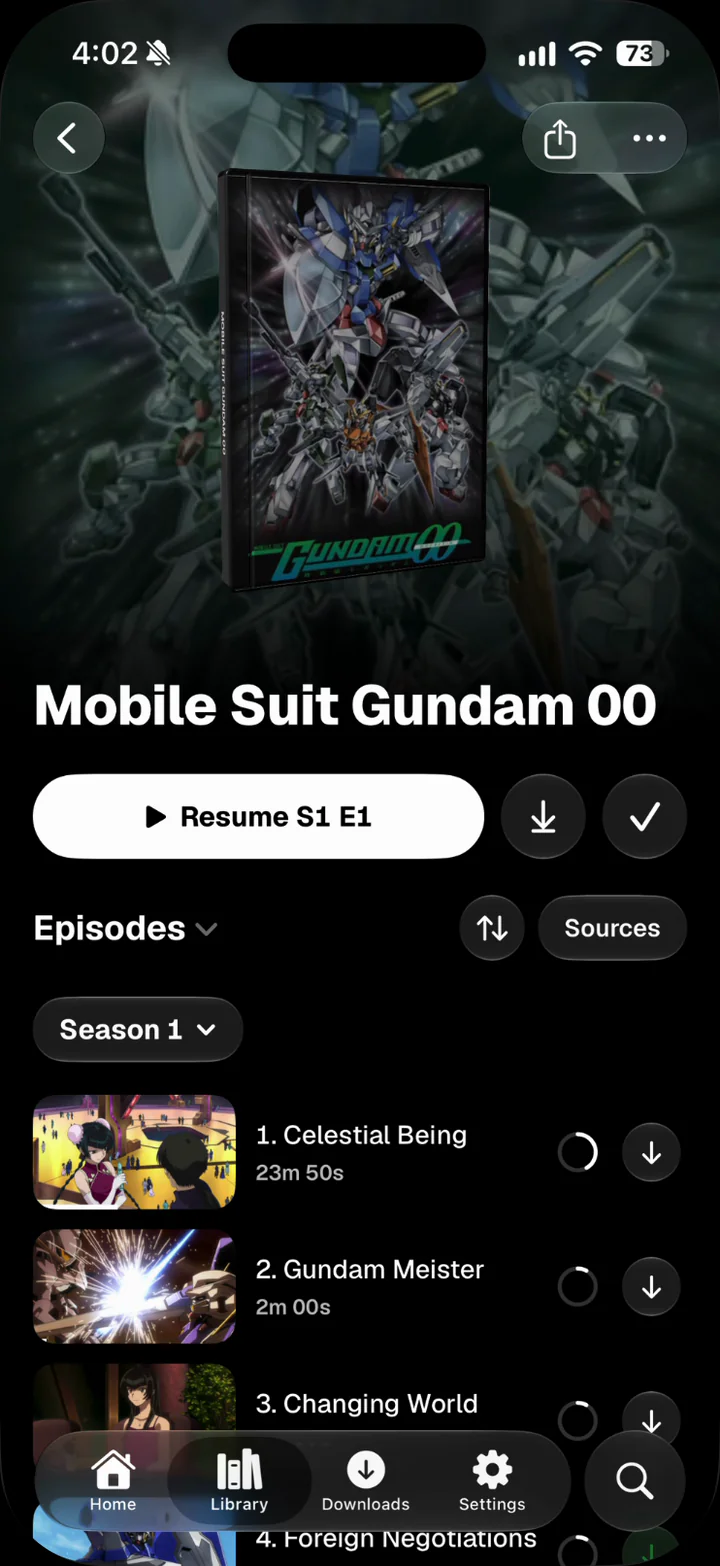
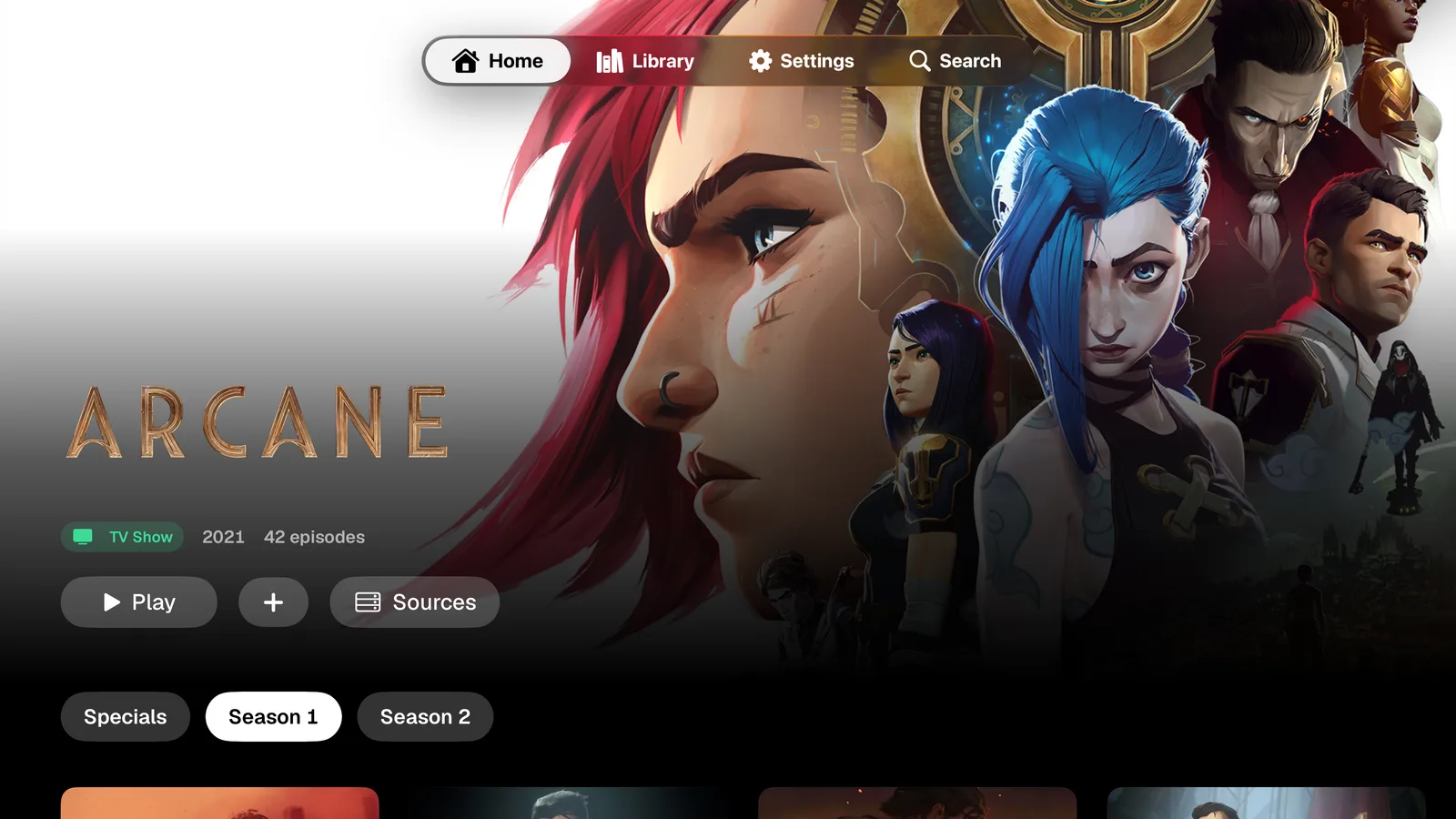
| Watch | TV, movies & anime | Series, films and anime from any installed addon, with continue watching and a choice to resume or start over. |
| Watch | Addons | Stremio addon protocol.
|
| Watch | Players | VLCKit, AVPlayer, Infuse and VLC.
|
| Watch | Equalizer | Simple sliders or a graph you drag, set for everything, a show or movie, or a single episode. |
| Watch | Picture | Contrast, brightness, saturation and black point, adjusted live with the same layers. |
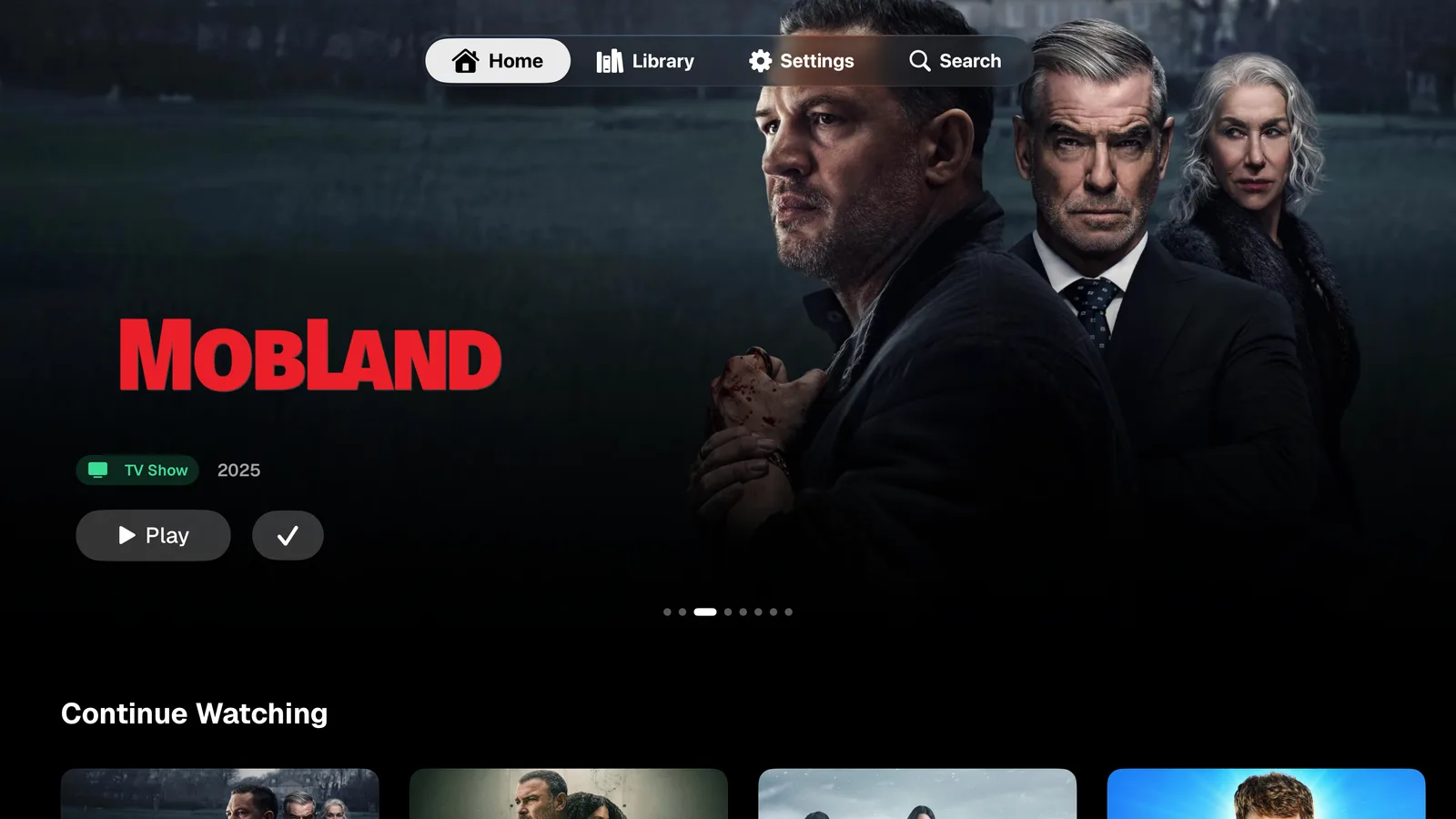
| Watch | Apple TV | Send to Apple TV picks up at the same spot with the same audio and subtitles. |
| Keep | Downloads | Parallel and in the background. |
| Keep | Sync | Library, progress, ratings and settings over iCloud on every device, Apple TV included.
|
| Keep | Tracking | One sheet per title that saves to AniList, MyAnimeList and Kitsu at once.
|
| Keep | Ratings | Half stars for titles, episodes, chapters and volumes. |
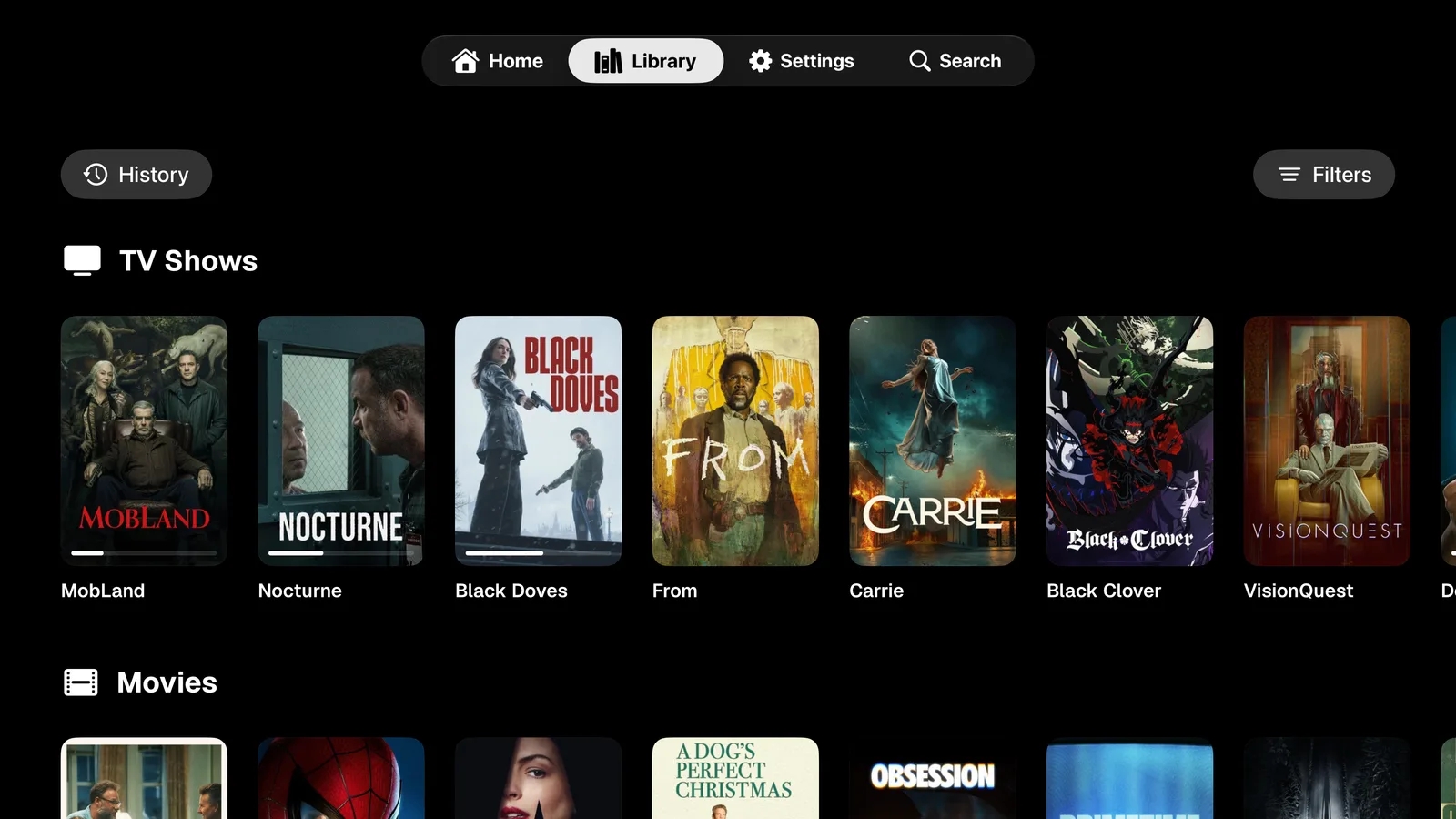
| Make | 3D covers | Manga as worn hardcovers, TV shows and movies as DVD cases you can spin. |
| Make | Home | Sections you choose and order. |
| Make | Controls | Reader buttons, gestures and tap zones you arrange. |
- Platforms
- iOS · iPadOS · macOS · tvOS
- Minimum
- 26.0
- Sync
- iCloud
- Tracking
- AniList
- MyAnimeList
- Kitsu
Screens

FAQ
01What is Project Exia?
A native app for reading manga and watching anime, TV and movies on iPhone, iPad, Mac and Apple TV.
02Is it free?
The app is free to download. Lifetime costs $9.99, paid once, and unlocks adding your own extensions and addons, with all future updates. It unlocks in the app and carries across your devices on the same iCloud account. Buy Lifetime. Super ($9.99 a month) and Ultra ($19.99 a month) are optional donations to support the developer. They unlock nothing more and come with a higher role in the Discord.
03Does it work with Aidoku and Paperback sources?
Yes, with Lifetime. Add compatible Aidoku and Paperback repositories in Settings › Extensions and Addons. Only add sources you have permission to use.
04Does it support Stremio addons?
Yes, with Lifetime. Add compatible Stremio addons for catalogs and streams you have permission to use.
05Is it a Tachiyomi or Mihon alternative for iPhone?
It brings the same idea to Apple devices: installable sources, offline downloads, tracking and a reader you can customize, with video in the same app.
06Can I read and watch offline?
You can save supported chapters and episodes for offline use when the source permits downloads.
07Does it sync with AniList, MyAnimeList and Kitsu?
Yes. The Tracking sheet on each title saves status, progress, score and dates to AniList, MyAnimeList and Kitsu at once. Your library, progress, ratings, settings and sources sync across devices with iCloud, Apple TV included.
08Which video players can I use?
VLCKit by default, with AVPlayer, Infuse and VLC as options. Each media type can use a different player.
09Can I customize it?
Yes. Choose and order the Home sections, arrange the reader buttons, gestures and tap zones, and tune sound and picture with the equalizer and color controls for everything, a show or movie, or one episode. Your settings sync with iCloud.
10Is there an Apple TV app?
Yes. Exia for Apple TV has the same player controls as iPhone and iPad, and Send to Apple TV hands off what you are watching at the same spot with the same audio and subtitles. It picks up your library, sources and sign-ins from iCloud, so there is nothing to set up on the TV.
11What do I need?
iOS, iPadOS, macOS or tvOS 26 or later.
12Does Project Exia host any content?
No. Project Exia does not host or provide content. You choose the sources and addons you install.
Download
Get the TestFlight beta for iPhone, iPad, Mac and Apple TV.
Version 1.5.0 · What's new
App platforms
- iPhone
- iPad
- Mac
- Apple TV