
How to Use Stremio Addons on iPhone, iPad and Apple TV
Add a Stremio addon once, and its catalogs and streams show up in Exia on every device.
You need: Lifetime in Exia, and the addon’s install link. Only add addons for content you have the right to watch.
-
Copy the addon’s install link. It ends in
manifest.json. If the addon has a configure page, set it up there first.https://addon.example.com/manifest.json -
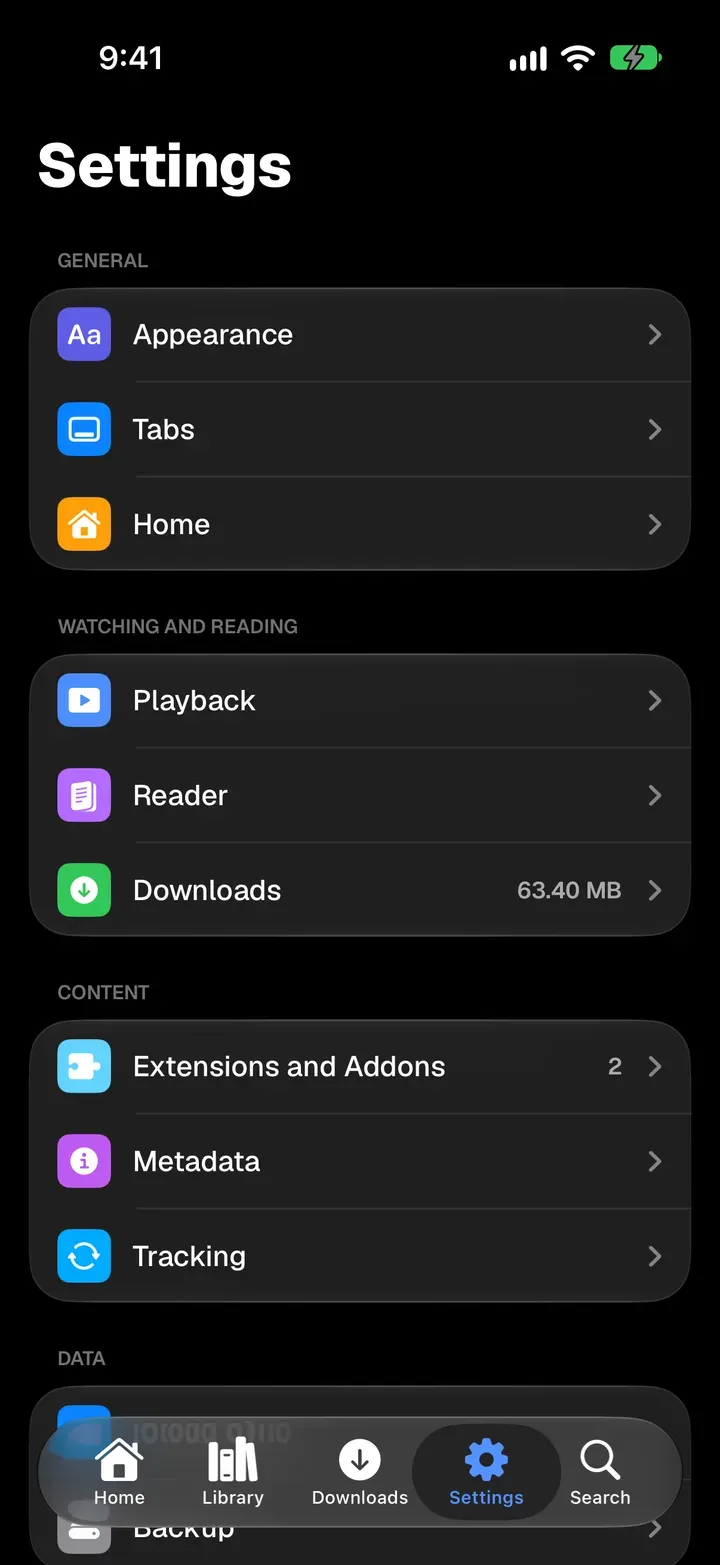
In Exia, open Settings and tap Extensions and Addons.
-
Tap Add Repository or Addon, paste the link into Repository or Addon URL, and tap Go on the keyboard.
-
Check the addon’s name and catalogs, then tap Install Addon.
-
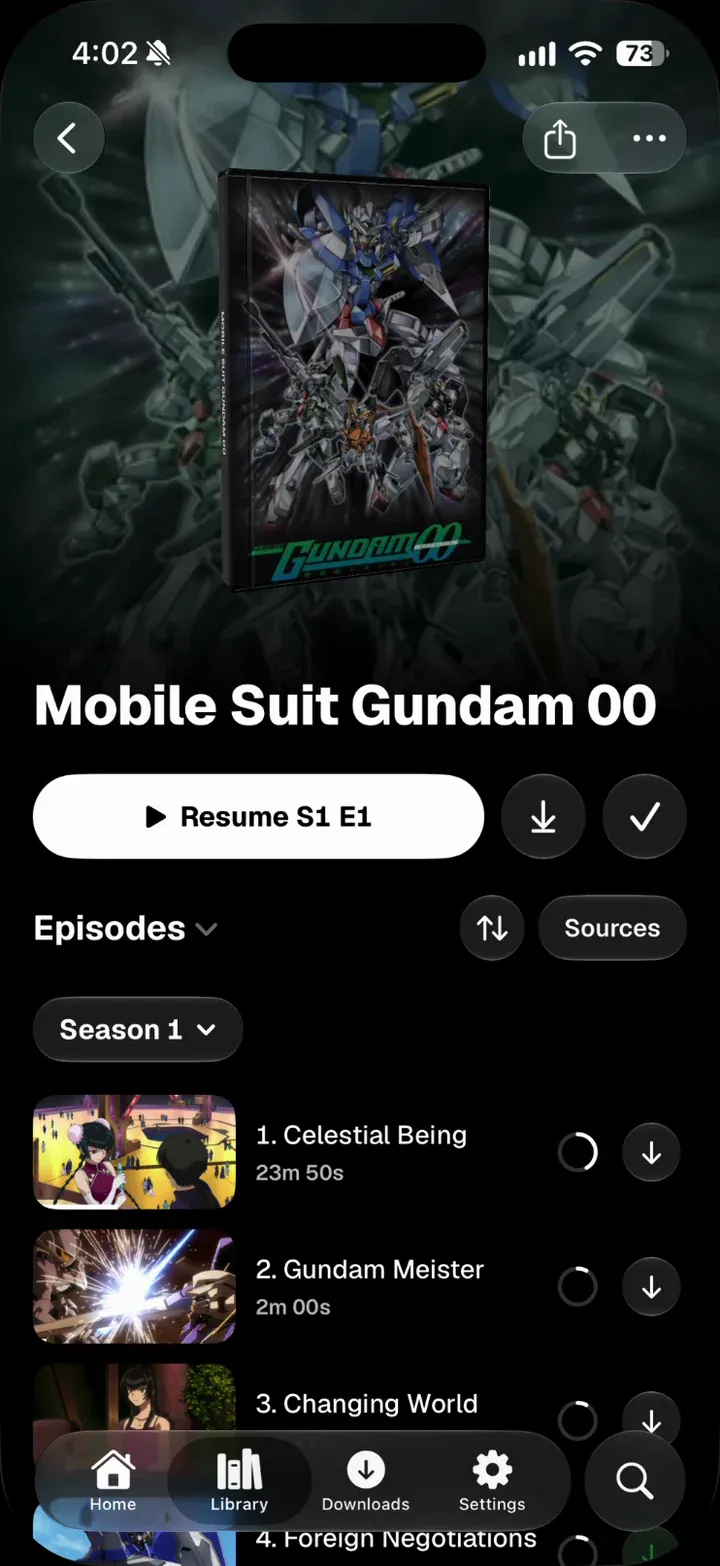
Open a show or movie and tap Sources to choose where it plays from.
- Drag addons in Extensions and Addons to set the order they’re tried in.
- A configured link can carry your settings or an account key. Treat it like a password.
- With iCloud Sync on, Apple TV gets your addons by itself. Nothing to type with the remote.