
How to Use TorBox on iPhone, iPad and Apple TV
Play from your TorBox account in Exia, through a Stremio addon that supports TorBox.
You need: Lifetime in Exia, a TorBox account, and a Stremio addon that supports TorBox. Only play files you have the right to watch.
-
Sign in to TorBox on the web and copy the API key from your account settings.
-
Open the addon’s configure page, choose TorBox, and paste your key. Copy the install link it gives you. Your settings are part of the link.
https://addon.example.com/<your-settings>/manifest.json -
In Exia, open Settings and tap Extensions and Addons.
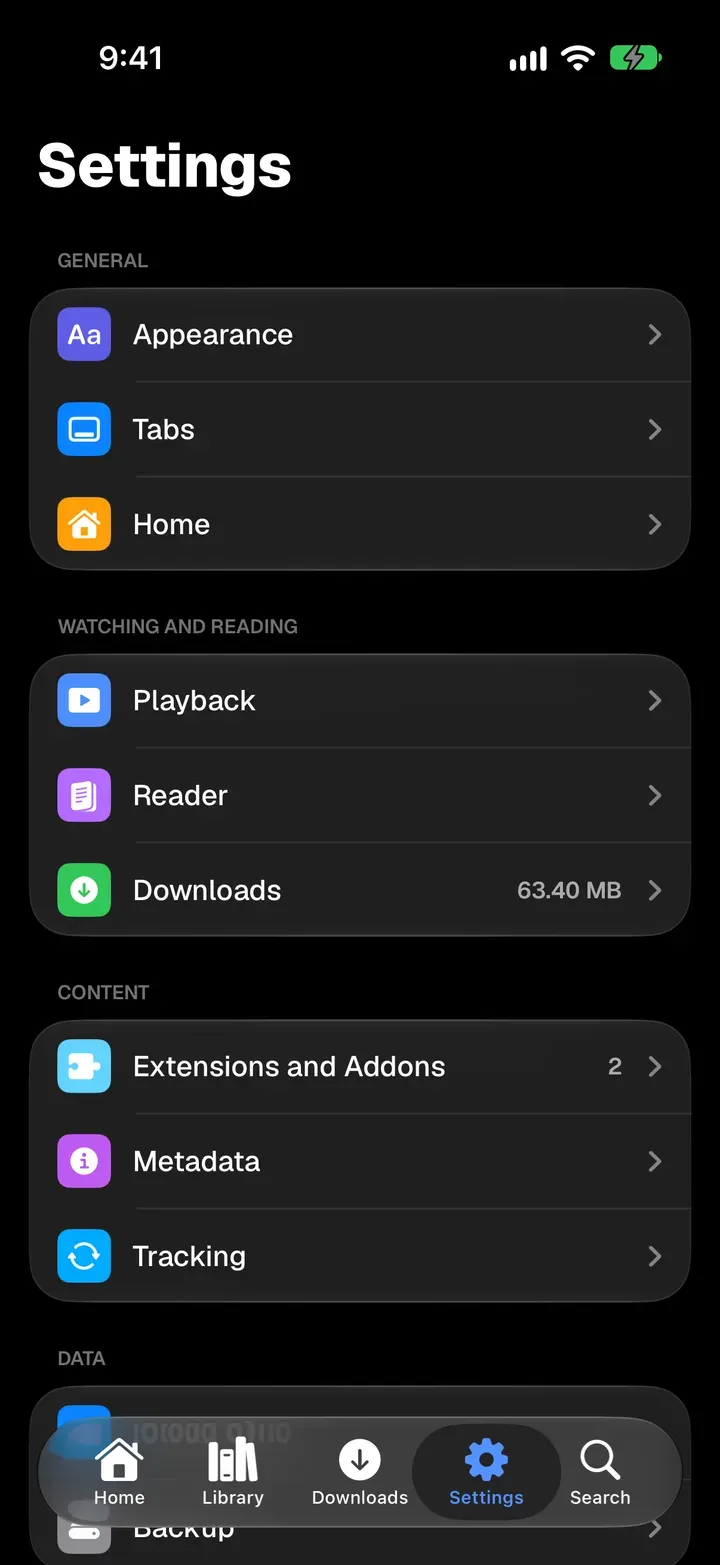
-
Tap Add Repository or Addon, paste the link, tap Go, then Install Addon.
-
Open a show or movie and tap Sources. Streams from TorBox appear with the rest.
- The link contains your TorBox key. Don’t post it. Exia never offers to share a link that has settings in it.
- Streams gone? Check your key on the addon’s configure page, then replace the link with the pencil button next to the addon.
- With iCloud Sync on, Apple TV gets the addon by itself, so you never type the key with the remote.